Cashier made for bKash and Nagad
The cashier opens inside the app, so you never leave it to send money. Pick bKash, Nagad, Rocket, Upay or a bank transfer, confirm the amount, and the balance normally updates within 3 minutes.
One file of 58 MB, Android 6.0 or newer, free to install. The lobby, cricket markets and the cashier all live behind one icon, with bKash and Nagad deposits that usually clear in about 3 minutes.
The QR code further down opens the same bd399.apk file, so you can scan it with any camera app instead of typing the address.
18+ · Play Responsibly · bKash · Nagad · Rocket
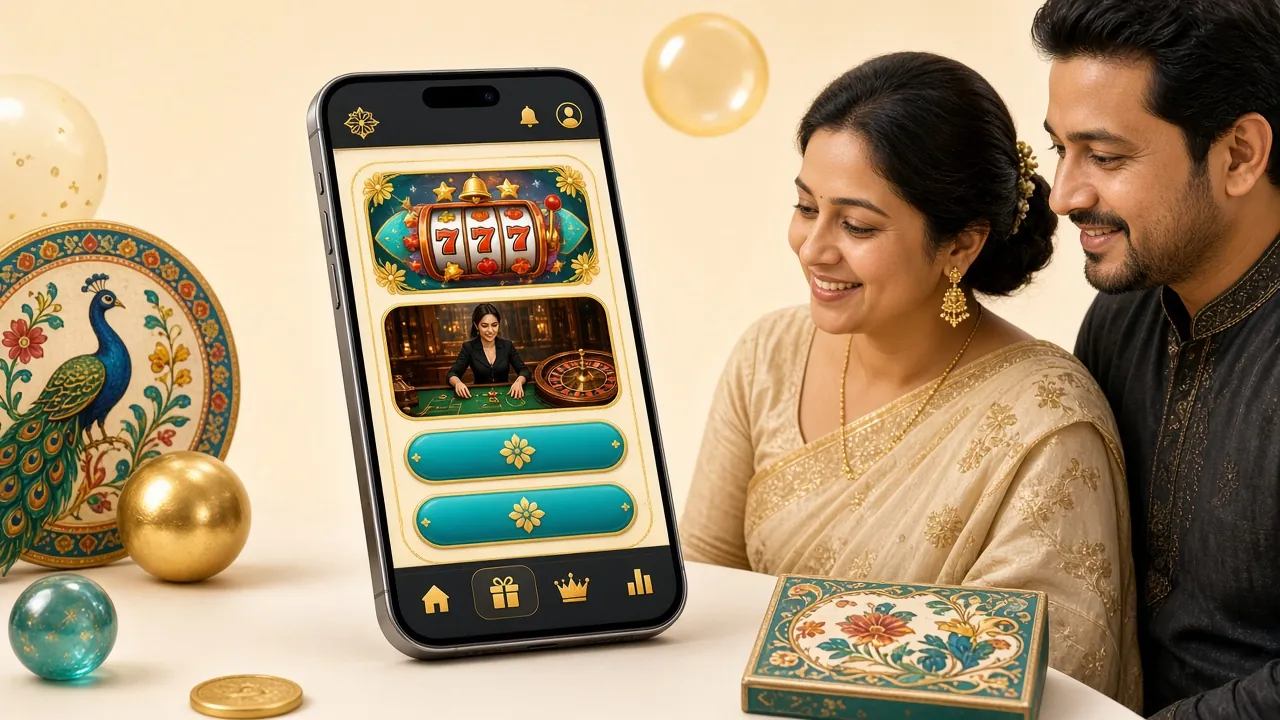
The cashier opens inside the app, so you never leave it to send money. Pick bKash, Nagad, Rocket, Upay or a bank transfer, confirm the amount, and the balance normally updates within 3 minutes.
Markets on BPL, international cricket, T20 leagues and the big football competitions stay open late. Prices move with the match, and you cash out from the same screen you bet on.
Slots, fishing, lottery and instant titles from JDB, Habanero, FA Chai, Ezugi and Spribe share one lobby. Filter by provider or search a name; the app reopens the last game you played.
Aviator runs at 97.7% RTP with stakes from ৳10 to ৳50,000. Rounds settle in seconds and the history strip shows the last few multipliers, so you see the pace before you join.
Game art loads only when you open a title, so a modest data pack goes further than you might expect. Updates arrive as a fresh 58 MB file rather than a streaming library.
Live chat answers around the clock from inside the app. Ask about a pending deposit, a withdrawal under review, or the KYC documents needed before your first payout, which usually clear in about 6 hours.
Every category above is already installed with the app; nothing else to download. The full list sits in the bd399 casino lobby.
Open Settings, then Security, and find Install unknown apps. Choose the browser you download with and switch the permission on. Android refuses side-loaded files until you do this once per browser.
Tap Download APK on this page. The file is 58 MB, so stay on Wi-Fi if your data pack is tight, keep the screen awake and wait until the browser confirms the download finished. Do not open a partial file.
Open the notification or your Downloads folder and tap bd399.apk. Play Protect may warn you because the file came from a browser. Tap More details, then Install anyway. Setup takes under a minute.
Use your existing details on the bd399 login page, or tap Register to open an account with your mobile number. Pick a password you do not reuse elsewhere; the app keeps you signed in after that.
Top up from ৳250 through bKash or Nagad. The 100% first-deposit bonus, capped at ৳9,000, lands in your balance, and you clear the 15× wagering before requesting a withdrawal.
There is no iOS file to install, and nothing to sideload. Safari can pin the full bd399 site to your home screen, where it opens without the address bar and keeps you signed in on that device.
Game art, the cashier and live chat behave the same as on Android. Only the icon shortcut differs.
This is the only copy we publish. Confirm the name reads bd399.apk and the size shows 58 MB before you tap install.
No Play Store account needed. If the download stalls below 58 MB, delete it and start again on a steadier connection.
| Detail | What it is |
|---|---|
| Version | 3.0.11 |
| File size | 58 MB |
| Android minimum | 6.0 and newer |
| Last updated | 11 November 2026 |
| Price | Free |
| Languages | English, Bangla |
| iPhone | No file; use Add to Home Screen in Safari |
The only file we publish sits on bd399.xyz under /download/bd399.apk. Copies passed around in Facebook groups, Telegram channels or mirror sites can carry extra code that nobody checks.
Storage saves the installer and game art, network access reaches the lobby, and notifications carry deposit confirmations and match alerts you switch on yourself. The app does not read your contacts or messages.
Withdrawals from ৳1,500 are reviewed, and the first one needs an NID, passport or driving licence. Checks usually finish in about 6 hours. Your daily limit starts at ৳125,000 and rises with VIP tiers.
A browser download always triggers a scanner notice, even for a clean file. If you are unsure, delete it, download again from this page and compare the size; a half-finished 40 MB file is the usual culprit.
Both routes reach the same account, the same 4,700 titles and the same five payment options. The difference is how often you play and how much of your data pack you want to spend.
| What you do | bd399 app | Browser at bd399.xyz |
|---|---|---|
| First setup | Install the 58 MB APK once | Nothing to install |
| Signing in | Stays signed in on your own phone | Password again in a fresh session |
| Data use | Game art loads per title | Pages and art reload more often |
| Games | Full lobby, search and filters | Full lobby, search and filters |
| Cashier | bKash, Nagad, Rocket, Upay, bank | Same five options |
| Alerts | Deposit and match notifications | Only when you check |
| Updates | New APK file, account untouched | Always the current version |
| Shared phones | Better to sign out each time | Safer for a borrowed device |
Use the app when you play most days and want the cashier one tap away. Use the browser on someone else's phone, or when you only want a cricket score and one market.
Nine out of ten failed installs come down to one of the five cases below. Read the middle column first; it usually explains the fix in a line.
| What you see | Why it happens | What to do |
|---|---|---|
| App not installed | An older bd399 build is still on the phone, or free storage has run out | Uninstall the old icon, clear a little space, then run bd399.apk again. Balance and history sit on your account, not the phone. |
| Parse error | The download stopped early, so the file is smaller than 58 MB | Delete the partial file, move to a steadier connection and download again from this page. Never install a file that did not finish. |
| Your phone is not allowed to install unknown apps | The browser you downloaded with has no permission to install files | Settings, then Apps, then your browser, then Install unknown apps, then Allow. Open bd399.apk again afterwards. |
| Play Protect keeps flagging the file | The scanner treats every browser download as unverified | Confirm the size reads 58 MB, tap More details, then Install anyway. If the button is missing, update Play Protect and retry. |
| App opens blank or signs you out | Cached data from an earlier version is still stored | Clear the app cache under Settings, then Apps, then bd399, and sign in again. If it repeats, reinstall version 3.0.11 from here. |
Still stuck after all five? Open the help centre or ask live chat, which runs every hour of the day.
Every file we publish sits on bd399.xyz at /download/bd399.apk, and the size should read 58 MB. Android scanners flag any browser download once, which is normal. Check the name and the size before you install, and skip copies passed around in Facebook groups or Telegram channels, because nobody verifies what those builds contain.
Android blocks files from outside the Play Store unless you allow one app to install them. That permission belongs to the browser you downloaded with, not to bd399. Open Settings, then Apps, choose that browser, then Install unknown apps and switch it on. Turn it back off once the install finishes and the icon is on your screen.
Version 3.0.11 runs on Android 6.0 or newer and needs about 58 MB of free space. Phones on Android 5 or older cannot install it. Check your version under Settings, then About phone. If the handset is too old, the browser lobby at bd399.xyz opens the same account, games and cashier on any phone.
There is no iOS file to install. On an iPhone, open bd399.xyz in Safari, tap Share, then Add to Home Screen, and name the shortcut. It opens the full site without an address bar and keeps you signed in on that device. Games, the cashier and live chat behave exactly as they do on Android.
Download the newest bd399.apk from this page and tap it. Android replaces the earlier build and keeps your login, balance and game history, because those live on your account rather than the phone. There is no auto-update, so compare the version in the download table with the app now and then. Clearing the old icon first is unnecessary.
Start with the size. A file smaller than 58 MB stopped early, so delete it and download again on a steadier connection. Then confirm your browser is allowed to install unknown apps and that free storage remains. If Android still reports app not installed, uninstall any older bd399 icon, restart the phone and open the file once more.
No. The app signs into the same account, so your first-deposit bonus of 100% up to ৳9,000, the 15× wagering, your VIP tier and your withdrawal limits stay as they were. Deposits from ৳250 and payouts from ৳1,500 follow identical rules on both. Only how the lobby loads and how alerts reach you change.
Ready to start? Open an account, install the file above, then sign in through the login page and open the casino when you want a live table.